

1
Create a project
Open console.cloud.google.com/projectcreate
and create a project for the product. Keep it separate from any project you
used for local experiments: its consent screen, its users and its quota belong
to your product.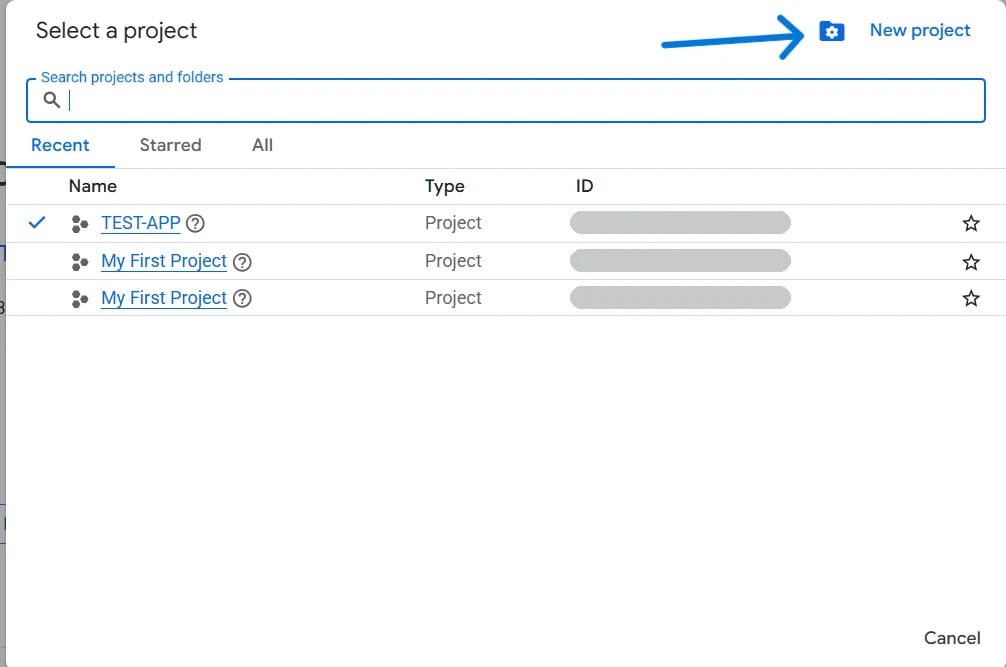
2
Turn on the APIs your tools call
Each pack calls one Google API, and an API is off until you turn it on.
This link turns on all six at once,
or enable them one at a time from the table on
Set up Google.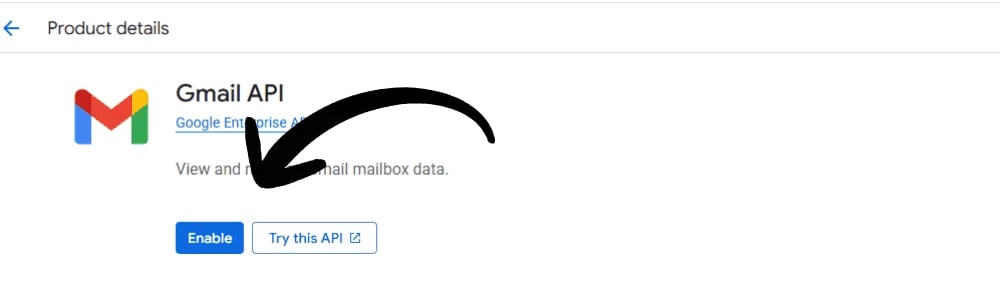
3
Set up the consent screen
Open console.cloud.google.com/auth/overview
and click Get started.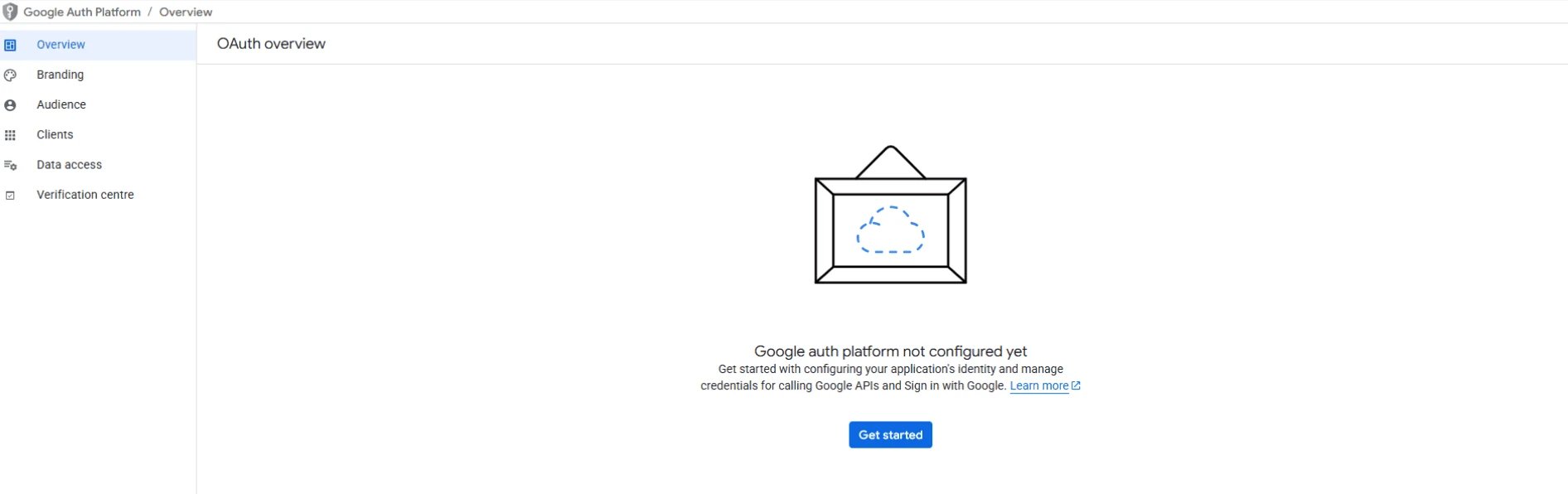
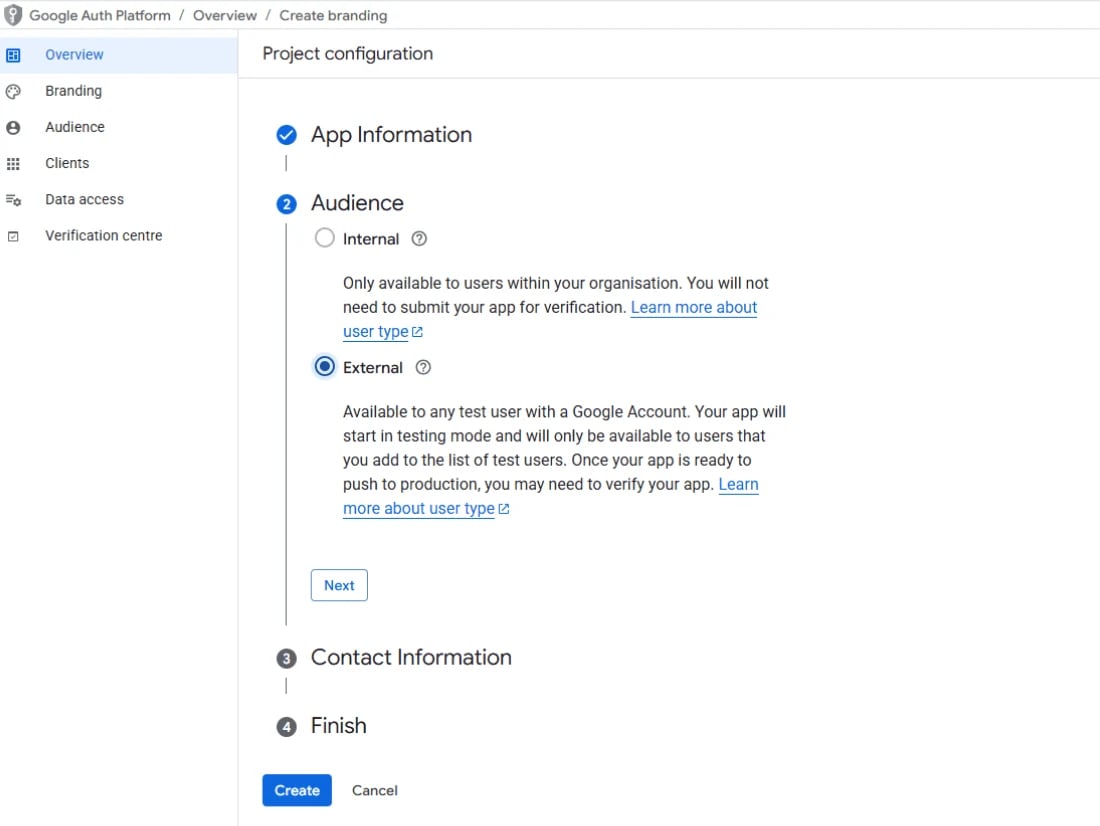
- App information: your product’s name, which is what users see on the consent screen, and a support email they can reach.
- Audience: External. Internal only lets in accounts from your own Google Workspace organization, so it can’t serve customers.
- Contact information: where Google writes to you about the app.
4
Create a web application client
Open console.cloud.google.com/auth/clients/create.
Set Application type to Web application and give the client a name.
Only you see the name, in the console.Under Authorised redirect URIs, add your app’s callback route exactly,
scheme and path included. Authorised JavaScript origins only matter when a
page in the browser calls Google itself. Charter’s flow runs on your server, so
you can leave them empty.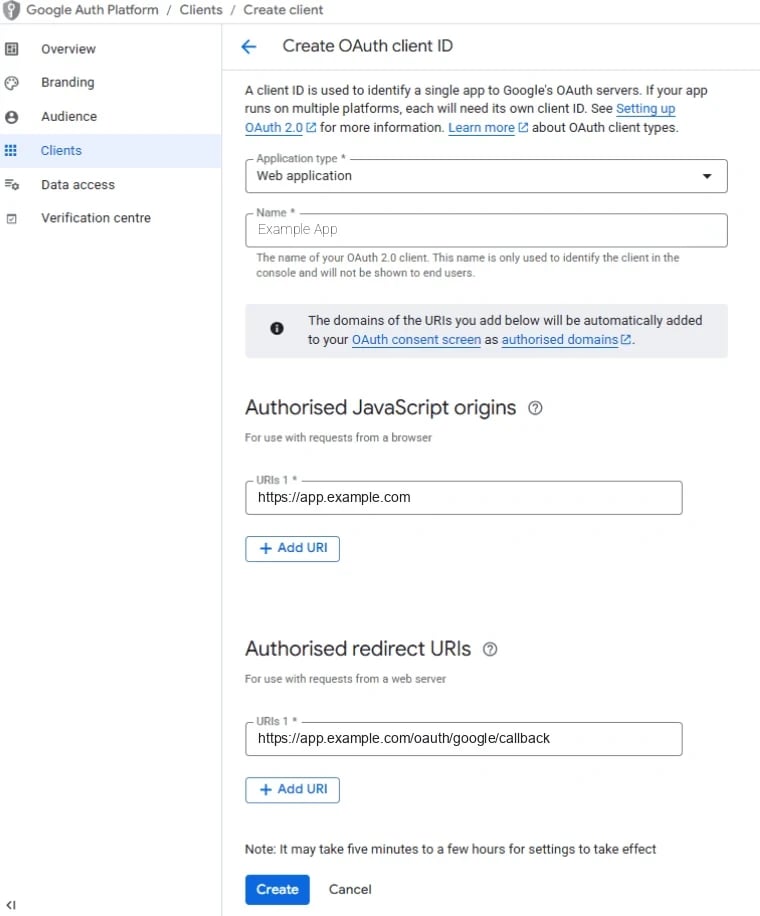
http://localhost:8765/callback as a second redirect URI, and remove it once
you go to production.5
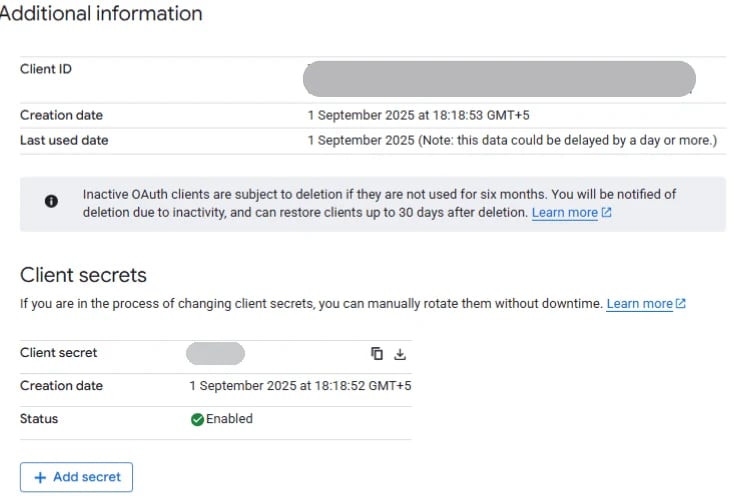
Copy the client ID and secret
Google shows a dialog with the client ID and a Download JSON link. Download
it before you click OK: the file holds the client ID and the client secret
together.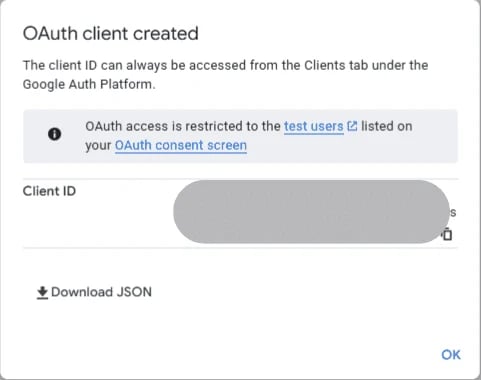
6
Declare the scopes
Open Data access in the sidebar and add every scope your link will ask for.
This is the list Google reviews in step 7.The six packs’ tools declare these.
scopes_for
reads them off whichever tools you actually hand out:Which tool declares which is on Google OAuth.The categories are Google’s, and Google can change them. Data access shows
the current category next to each scope as you add it.
7
Publish, then get verified
Open console.cloud.google.com/auth/audience
and click Publish app.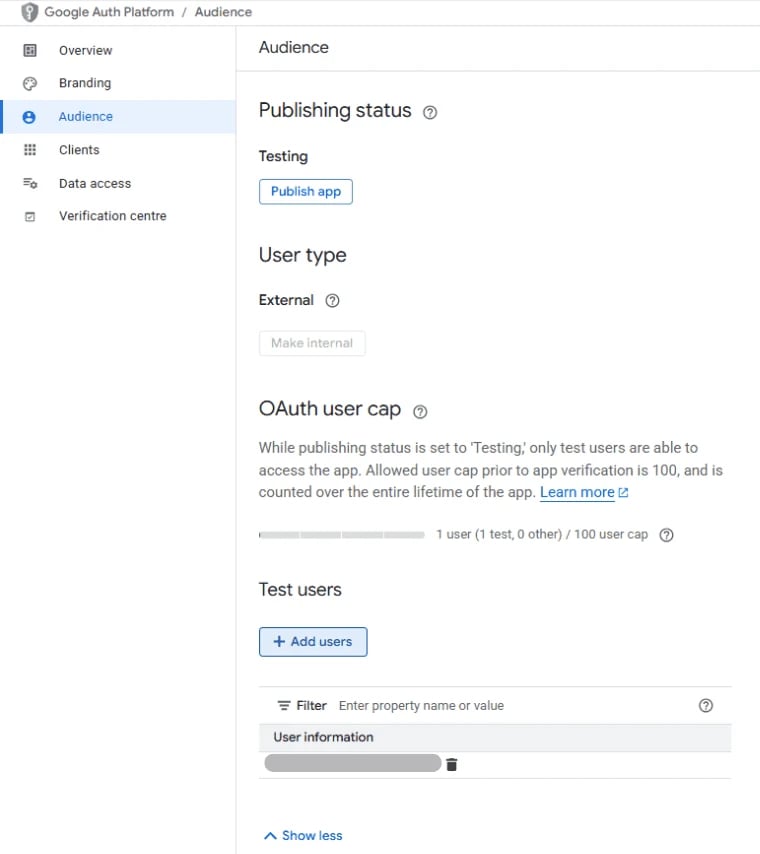
- Only sensitive scopes (Calendar, Sheets, Docs, Forms, and sending
mail with
gmail.send): Google verifies the app. It checks your branding and domains, reads a justification for each scope, and watches a short video of your app using them. - Any restricted scope (reading, drafting or relabelling mail; reading or changing Drive files your app did not create): the same review, plus an independent security assessment of how your servers store and handle Google data. It’s repeated every year, and you arrange and pay for it.
8
Connect a user
Your app’s “Connect Google” button opens the link that
Google lets a user untick a permission and still finish the flow, so compare
flow.authorize() builds. The user
picks an account and approves the scopes.google_connect.py
grant.scopes against what you asked for before you store the refresh token.
Google doesn’t rotate refresh tokens, so the one you store stays the one you
use. Google’s provider page
covers the rest: the hundred-token cap per account, and what fails silently.When it does not work
redirect_uri_mismatch
redirect_uri_mismatch
The flow sent a URI the client doesn’t list, character for character. Add
it under the client’s Authorised redirect URIs. Changes can take a few
minutes to apply.
“Access blocked: … has not completed the Google verification process”
“Access blocked: … has not completed the Google verification process”
The app is in Testing and the account isn’t a test user. Add it under
Test users, or publish the app (step 7).
invalid_grant, about a week after a user connected
invalid_grant, about a week after a user connected
The app was in Testing when they connected, and testing tokens expire
after seven days. Publish it and have them connect again.
403: “Request had insufficient authentication scopes”
403: “Request had insufficient authentication scopes”
The user unticked a permission, or the tool needs a scope the grant was
never asked for. Send them through consent again with the full list.
403: “… API has not been used in project N before or it is disabled”
403: “… API has not been used in project N before or it is disabled”
That pack’s API is off in the client’s project. See step 2.
Related
- Google — the server constant, every scope, the hundred-token cap and what else fails silently
- Getting the grant — the two routes,
stateand PKCE, inside your app - Every pack — what each pack’s users connect with, and what you store
- Set up Google — your own account, with a Desktop client and a script