

shopify pack needs an app installed on your store.
Since January 2026 you make that app in Shopify’s Dev Dashboard, and
instead of a token to copy, it gives you a client ID and secret. The pack
trades those for an Admin API token and trades them again before the token’s
24 hours are up. It takes about five minutes.
Every Shopify link below opens in a new tab, so this page stays where you left it.
1
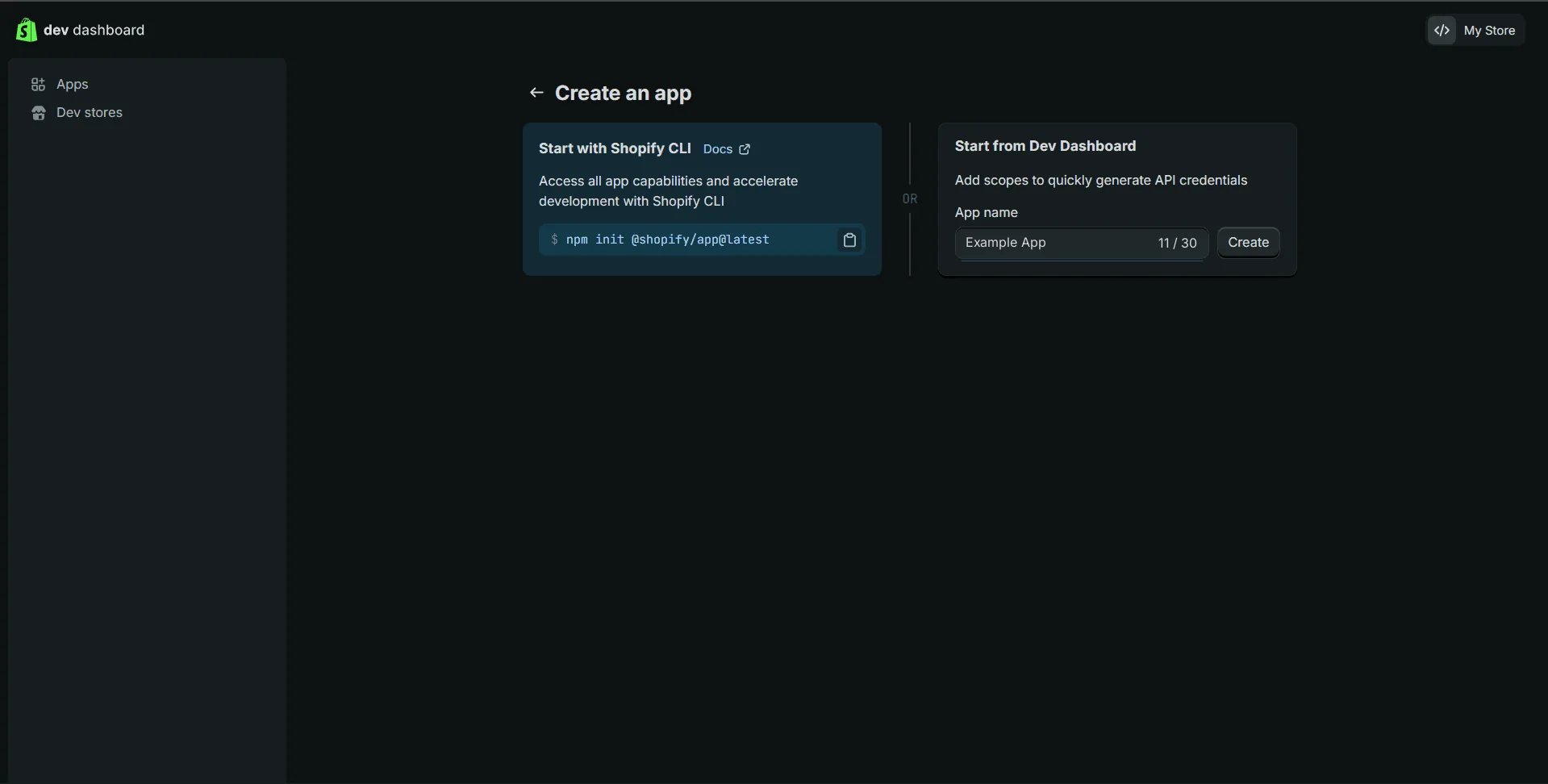
Create the app
Open the Dev Dashboard and click
Create app in the top-right corner.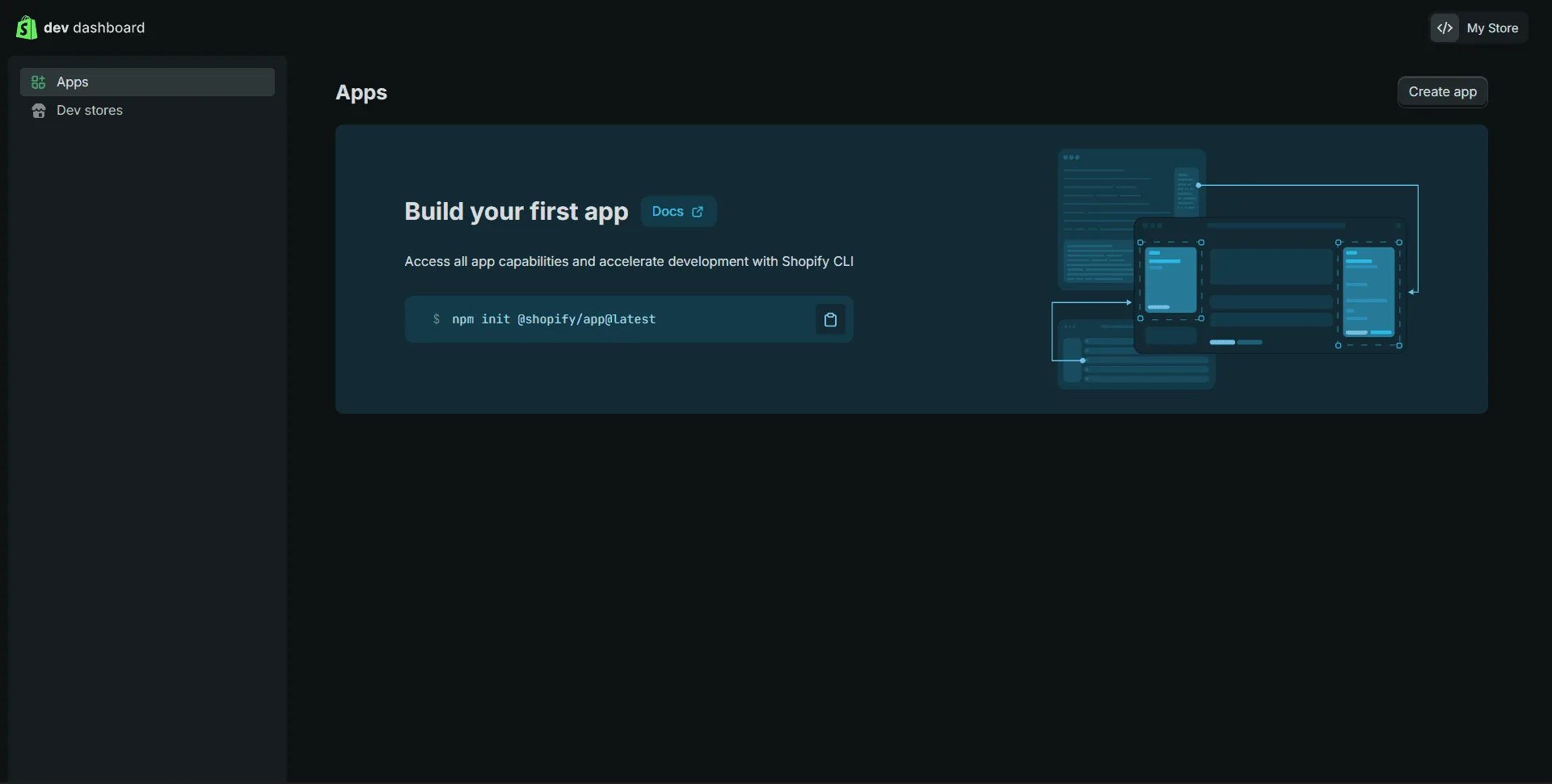
2
Choose the scopes
Shopify opens the app’s first version. Scroll to Access and click
Select scopes beside Scopes.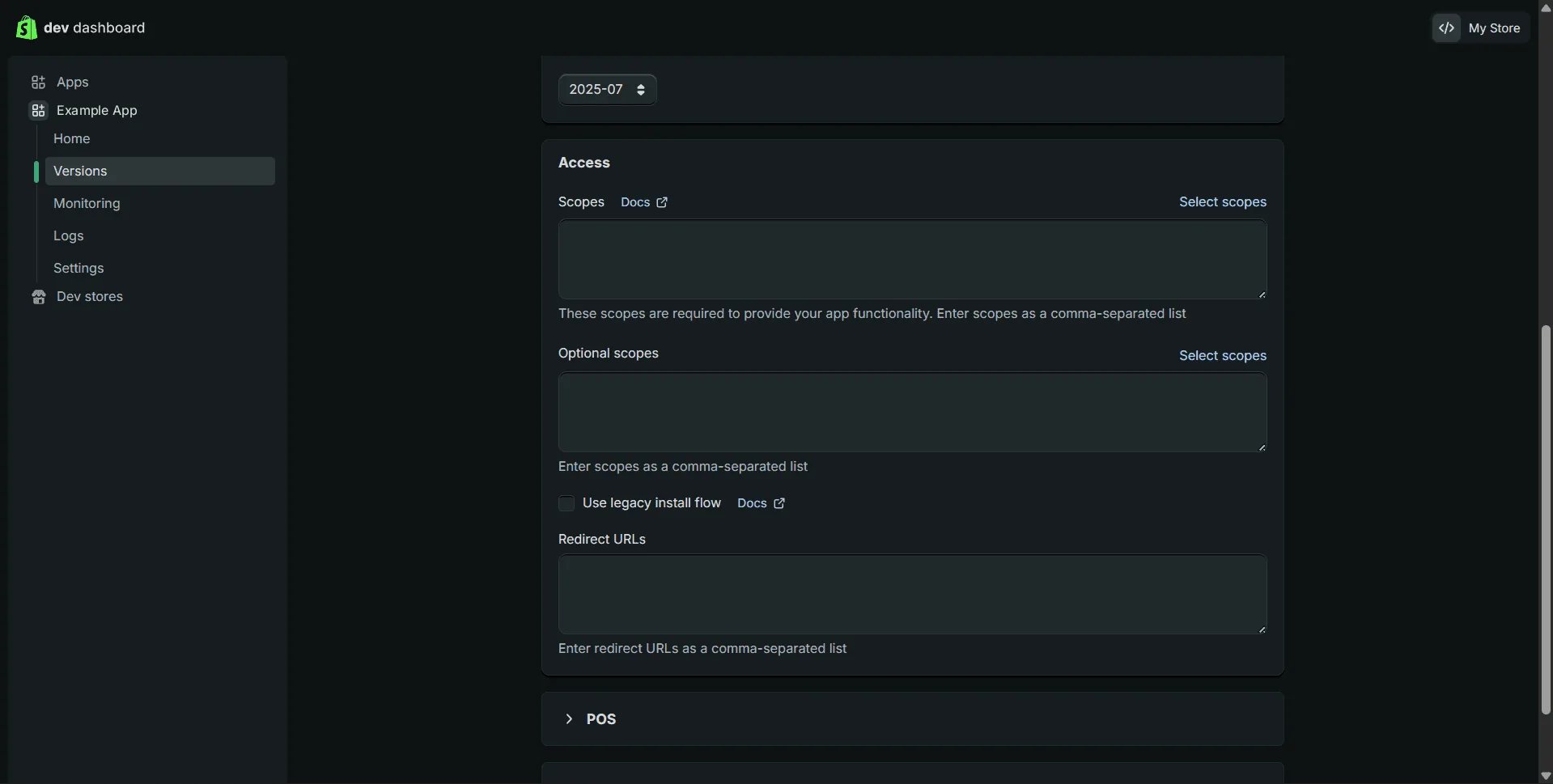
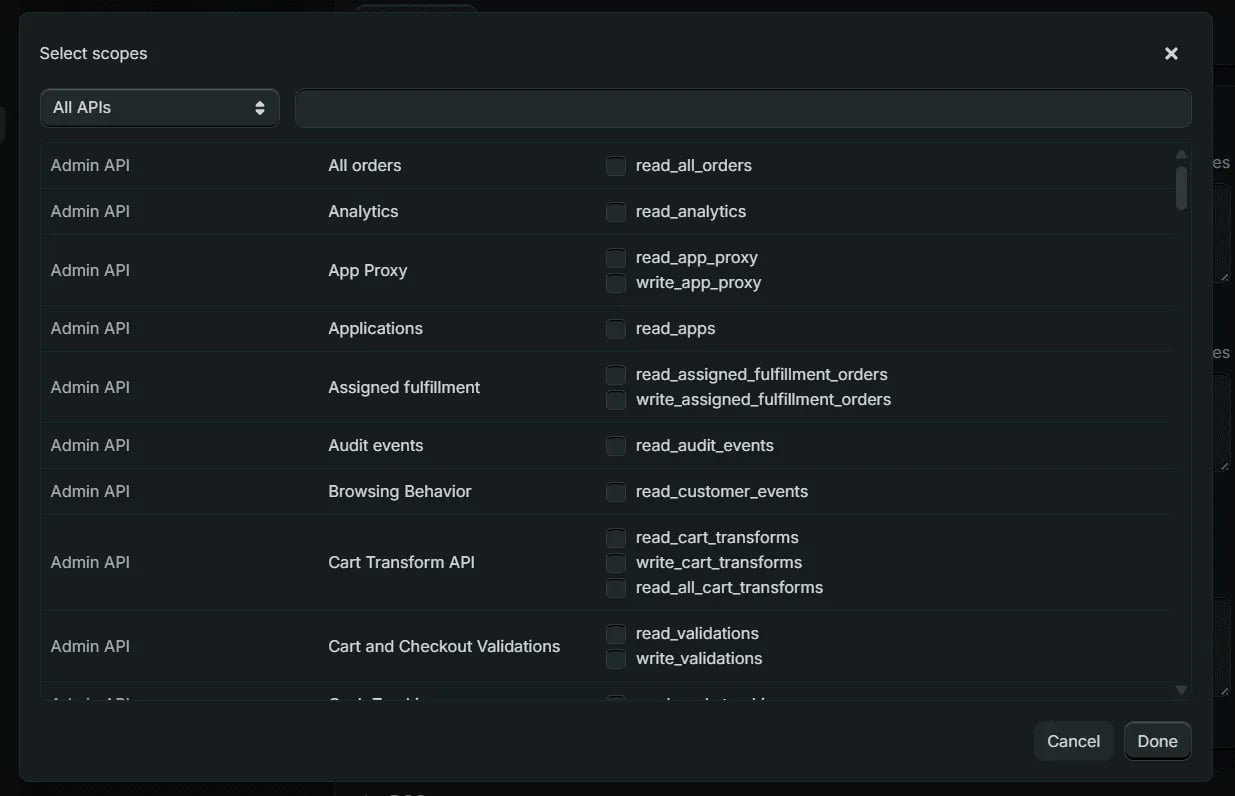
read_ for tools that only read and write_ for the rest. Then click Done.read_products,read_orders,read_customers,read_inventory,read_locations
for a store assistant that only reads. A tool that needs a scope you left out
names it in its error: “Required access: read_products access scope”.3
Release the version
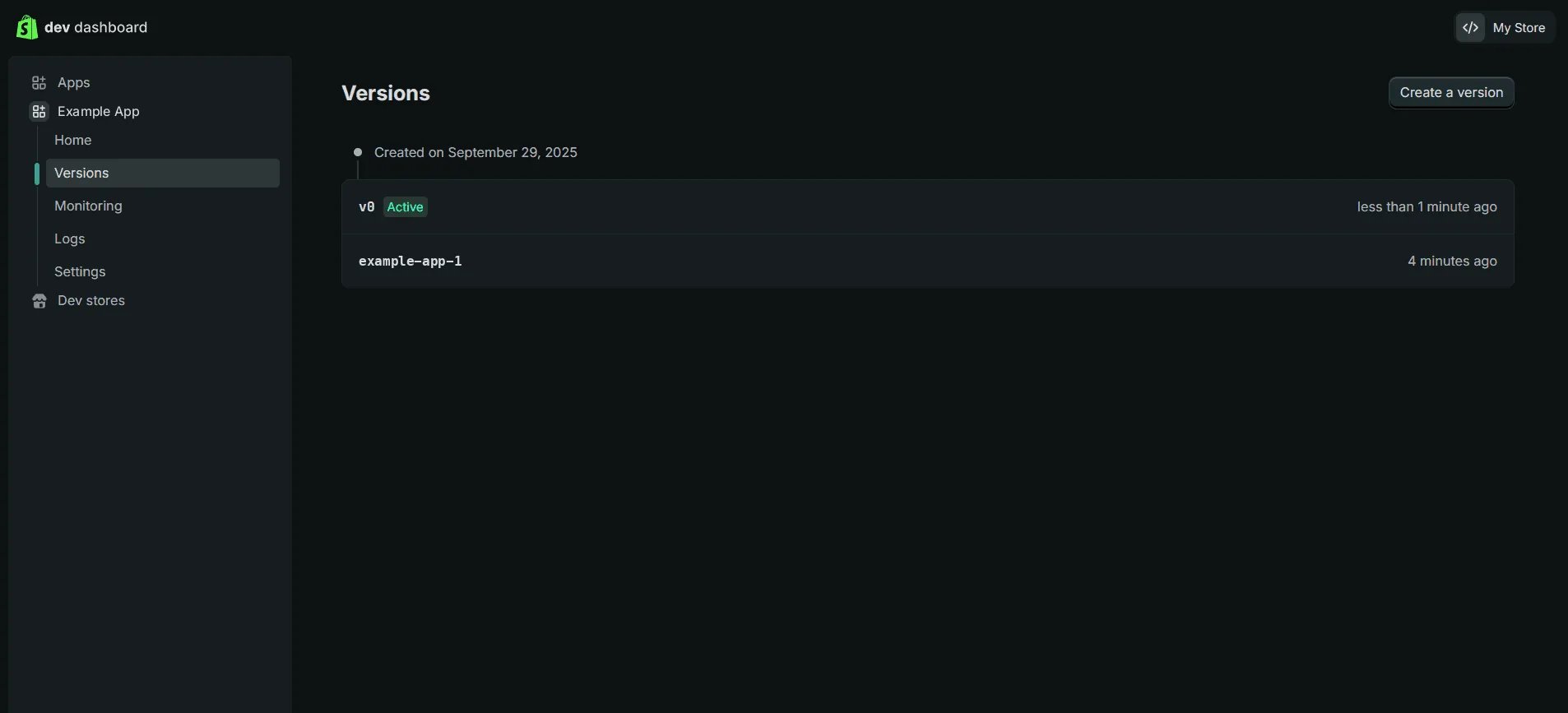
Click Release at the top of the page. Naming the version is optional.
Click Release again in the dialog.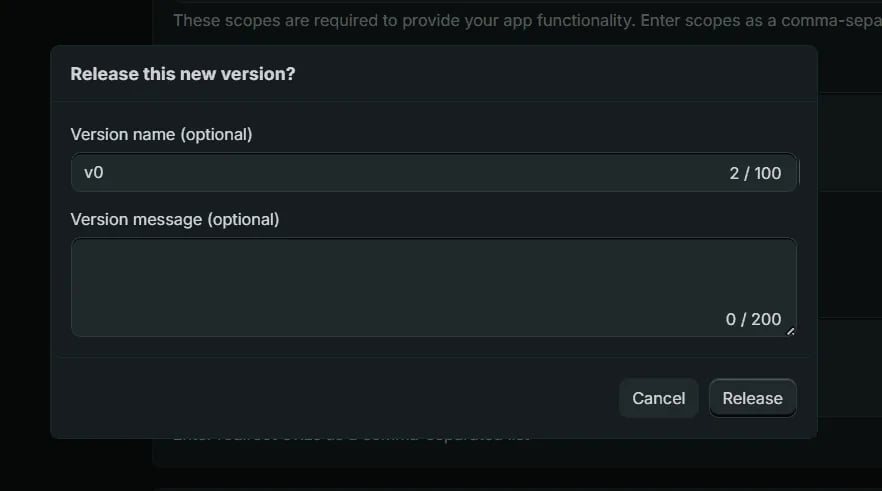
4
Install it on your store
From the app’s Home, click Install app, pick your store, and confirm on
the store’s admin.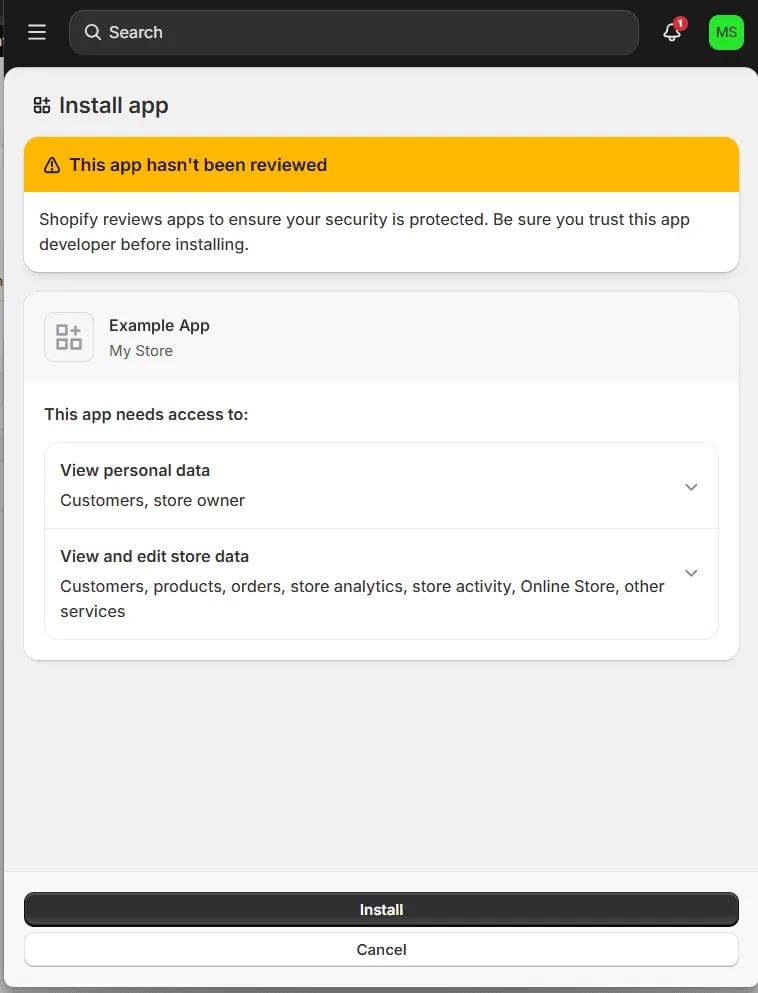
5
Copy the client ID and secret
Open the app’s Settings. Credentials shows the Client ID, and the
Secret is revealed with the eye icon.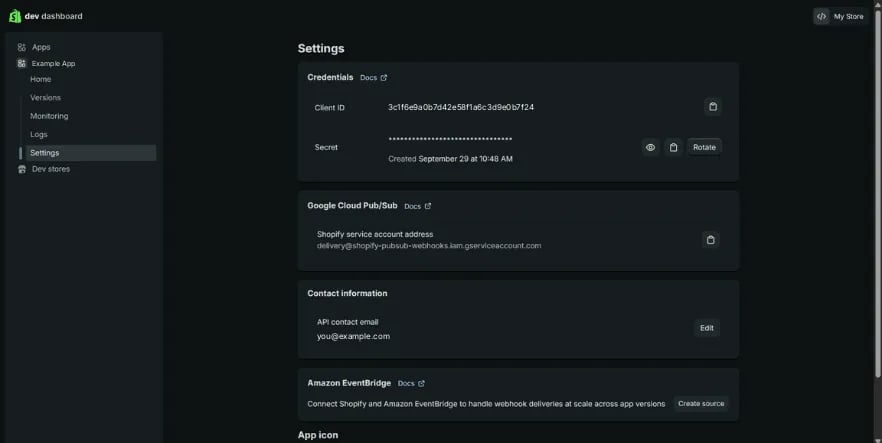
6
Verify
verify_shopify.py
A store with an older custom app
A custom app made in the store admin before 2026 keeps itsshpat_ token,
which still works and doesn’t expire. Set it as SHOPIFY_ACCESS_TOKEN instead
of the client ID and secret. When both are set, the pair wins.
Your merchants’ stores
An app that merchants install on their own stores uses the same Dev Dashboard app, plus an app URL and a redirect URL, and each store gets its own token through Shopify’s consent flow. Register a Shopify app has those screens.Related
- Shopify — the pack, the three credential shapes, and why the store is part of the connection
- Every pack — what the other packs need, in one table